
Services
GET IN TOUCH
Questions about your IT?
We're here to help.
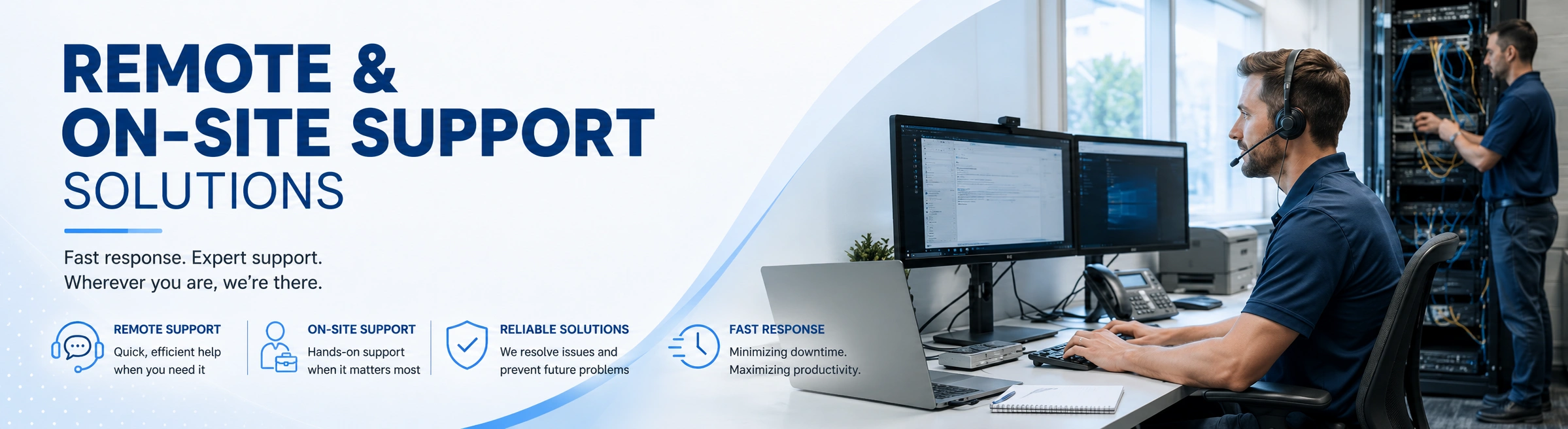
REMOTE & ON-SITE SUPPORT
Responsive IT Support Wherever Your Business Needs It
Works alongside our Managed IT Services for ongoing monitoring and maintenance between support requests.
Fast Help. Clear Answers.
Reliable Solutions.
When technology gets in the way, your business needs more than a temporary fix. Whether the issue can be resolved through a quick remote session or requires hands-on support at your location, Second Creek Technologies is ready to help.
We respond quickly, communicate clearly, and work to resolve the underlying cause of the problem. That means less downtime, fewer recurring issues, and more time for your team to focus on the business.
On-Site Support
Remote Support
Fast Resolution
Reliable Solutions
HOW WE CAN HELP
Complete Support for Your Users and Technology
We support the everyday technology your business depends on, providing responsive assistance for employees, computers, applications, accounts, networks, and workplace equipment.

REMOTE SUPPORT
Remote Help Desk Support
Secure remote assistance resolves many computer, software, email, access, and connectivity issues quickly without waiting for an on-site appointment.
ON-SITE SERVICE
On-Site Technical Support
Hands-on assistance is available for problems that require physical troubleshooting, equipment installation, office visits, or direct access to your technology.

DEVICES
Computer & Device Troubleshooting
We diagnose and resolve performance problems, startup failures, hardware errors, operating-system issues, and other problems affecting desktops, laptops, and business devices.
APPLICATIONS
Software & Application Support
Installation problems, application errors, updates, configuration issues, printing problems, and compatibility concerns are investigated and resolved.
CONNECTIVITY
Network & Internet Troubleshooting
We diagnose wired, wireless, VPN, internet, DNS, and network-access problems that prevent employees and devices from connecting reliably.

MICROSOFT 365
Email, Account & Microsoft 365 Support
We assist with Outlook, email delivery, Microsoft 365 applications, password problems, account access, multi-factor authentication, permissions, and licensing.
SETUP
New User & Device Setup
New computers, employee accounts, applications, email profiles, printers, security settings, and access permissions are configured for a smooth start.
INSTALLATION
Hardware Installation & Replacement
We install, configure, replace, and connect computers, monitors, printers, networking equipment, peripherals, and other workplace technology.

BUSINESS SUPPORT
Urgent Issues & Technology Projects
We assist with unexpected outages, office moves, equipment deployments, system upgrades, vendor coordination, and other technology needs outside routine support.
OUR SUPPORT PROCESS
A Straightforward Approach to Resolving IT Problems
We identify the issue, determine the fastest path to resolution, provide remote or on-site assistance, and document the work to support reliable long-term results.
Listen & Prioritize
We gather information about the issue, its impact, affected users, recent changes, and any error messages so the request can be prioritized appropriately.
Diagnose & Troubleshoot
We investigate the symptoms, review relevant systems and settings, and identify the underlying cause rather than relying only on temporary workarounds.
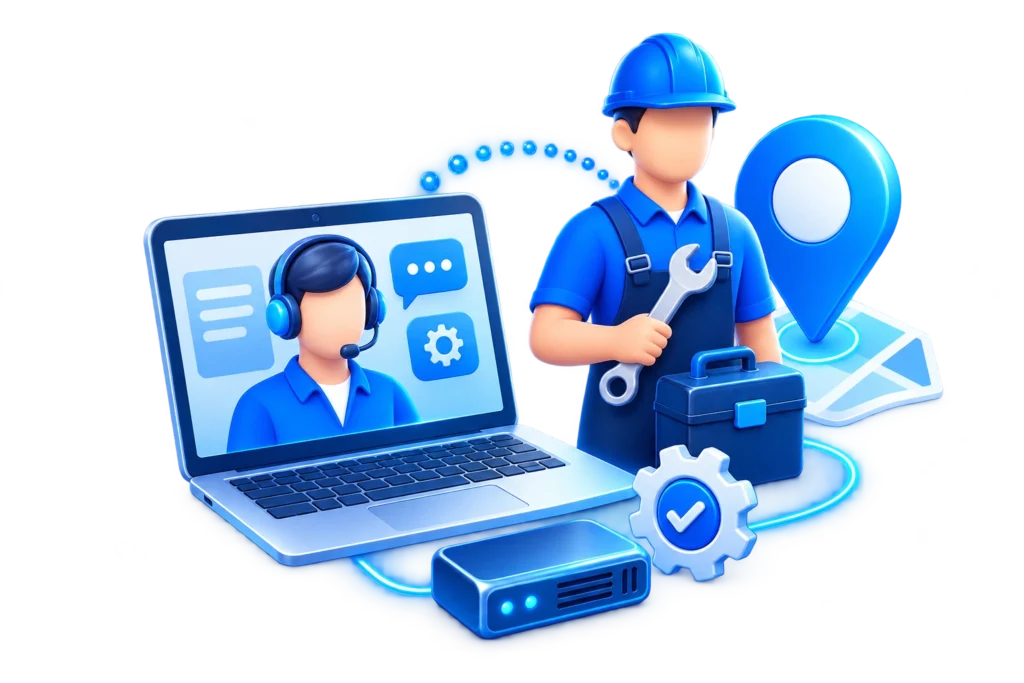
Resolve Remotely or On-Site
The issue is resolved through secure remote support whenever possible, with an on-site visit arranged when physical access or hands-on work is required.
Verify & Follow Up
We confirm that the solution is working, document the service performed, and provide recommendations when additional maintenance or improvement is needed.
COMMON QUESTIONS
Remote and On-Site Support FAQs
Get answers to common questions about requesting support, deciding between remote and on-site service, urgent issues, employee setup, and working with your existing IT resources.
We start by evaluating the type of problem, its impact, and whether physical access to equipment is required. Many software, account, email, and connectivity issues can be resolved remotely, while hardware failures, installations, cabling, or location-specific problems may require an on-site visit.
Not necessarily. Depending on the situation, support may be available for individual issues, projects, or ongoing needs without requiring a full managed IT agreement. We can help determine the most practical support arrangement for your business.
The more detail available, the faster we can begin narrowing down the problem. Helpful information includes who is affected, when the issue started, any error messages, recent changes, the device or application involved, and how seriously the problem is affecting business operations.
Yes. Issues affecting multiple employees, critical systems, internet access, business applications, or other essential operations can be prioritized based on their impact. We focus first on restoring functionality and then on identifying the underlying cause when possible.
Yes. We can work alongside internal IT staff, managed service providers, software vendors, internet providers, and other technology partners. This can be useful when you need additional hands, local assistance, specialized troubleshooting, or support for a particular project.
Yes. We can help prepare computers, applications, email profiles, Microsoft 365 accounts, printers, security settings, and access permissions so new employees have the technology they need to begin working with fewer setup problems.
Yes. Remote support allows us to assist employees in different locations, while on-site service can be coordinated when physical work is required. We can also help troubleshoot connectivity, access, equipment, and other issues affecting employees who work outside the main office.
We verify that the solution is working, document the work performed, and identify any additional maintenance or improvements that may help prevent the same problem from returning. When appropriate, we can also recommend longer-term changes to improve reliability.