
Services
GET IN TOUCH
Questions about Microsoft 365 or the cloud?
We're here to help.
MICROSOFT 365 & CLOUD SERVICES
Modern Cloud Solutions That Keep Your Business Connected
Often combined with backup & disaster recovery to keep your email and cloud data protected.
Work Anywhere. Collaborate Securely. Stay Connected.
Microsoft 365 can bring email, files, communication, collaboration, and security together in one connected platform, but getting the most from it requires more than simply purchasing licenses.
Second Creek Technologies helps businesses configure, secure, organize, and manage Microsoft 365 and cloud services around the way their teams actually work. Whether you are moving to Microsoft 365, improving an existing environment, or expanding into additional cloud services, we help make the technology easier to manage and easier for your employees to use.
Seamless Collaboration
Secure Access
Simplified Management
Scalable Cloud
HOW WE CAN HELP
Microsoft 365 & Cloud Solutions for Your Business
We help businesses deploy, manage, secure, and improve Microsoft 365 and cloud services so employees can communicate, collaborate, and access the resources they need from wherever they work.
MICROSOFT 365
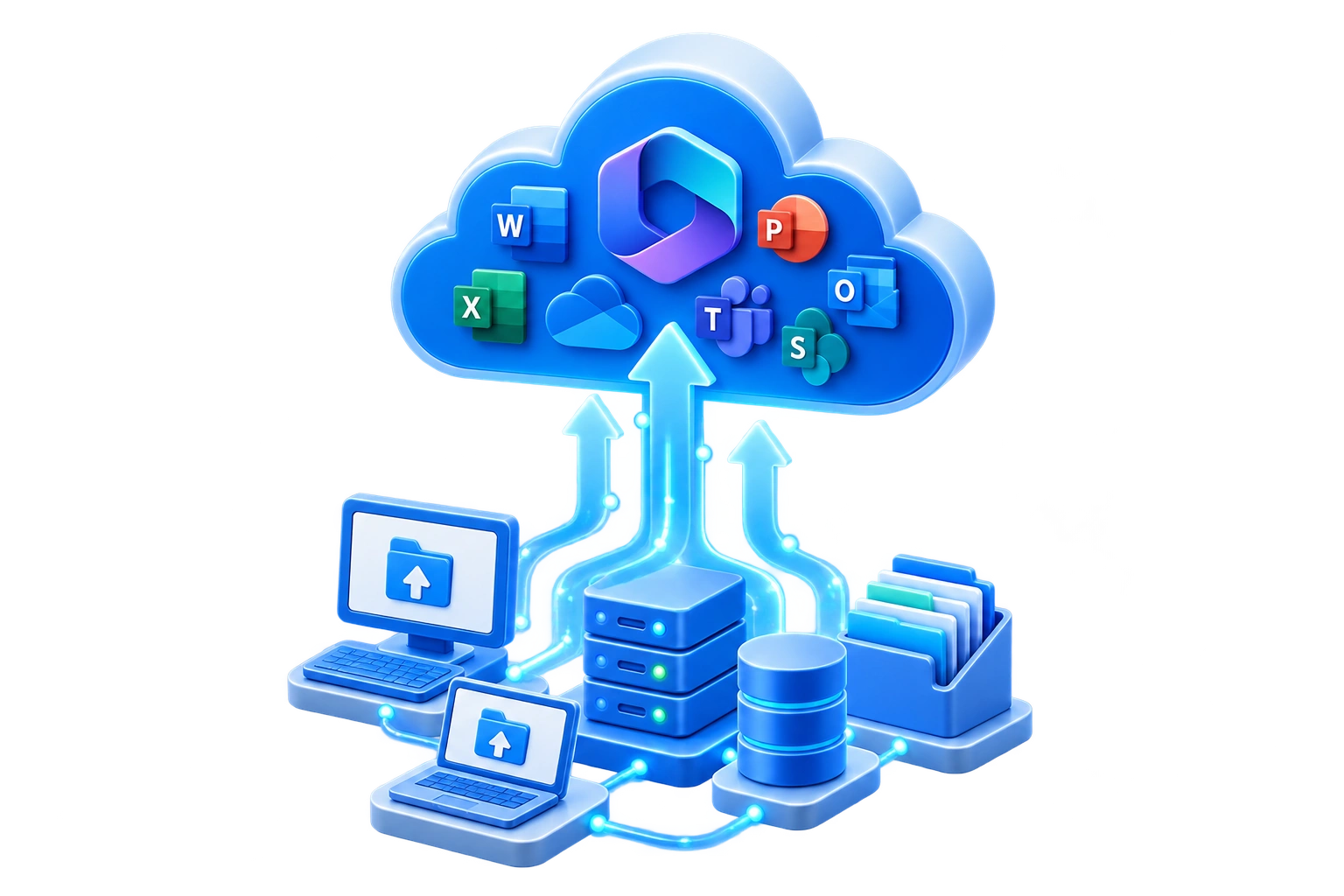
Microsoft 365 Setup & Migration
We configure new Microsoft 365 environments and help migrate existing email, users, files, and services into Microsoft 365 while minimizing disruption to your business.

BUSINESS EMAIL
Exchange Online & Email Services
We configure and manage professional business email through Exchange Online, including mailboxes, shared mailboxes, aliases, distribution groups, email security, and protection against phishing and other email-based threats.

COLLABORATION
Microsoft Teams & Communication
We help configure Microsoft Teams for messaging, meetings, calling, file sharing, and collaboration so employees have a more organized way to communicate and work together.

FILES & SHARING
SharePoint & OneDrive
We help businesses organize, store, synchronize, and securely share files using SharePoint and OneDrive while reducing dependence on scattered local files and outdated file-sharing methods.

IDENTITY
User & Identity Management
We manage Microsoft 365 users, groups, Microsoft Entra ID, permissions, authentication, and identity settings to help ensure employees have appropriate and secure access to the services and information they need.
CLOUD SECURITY
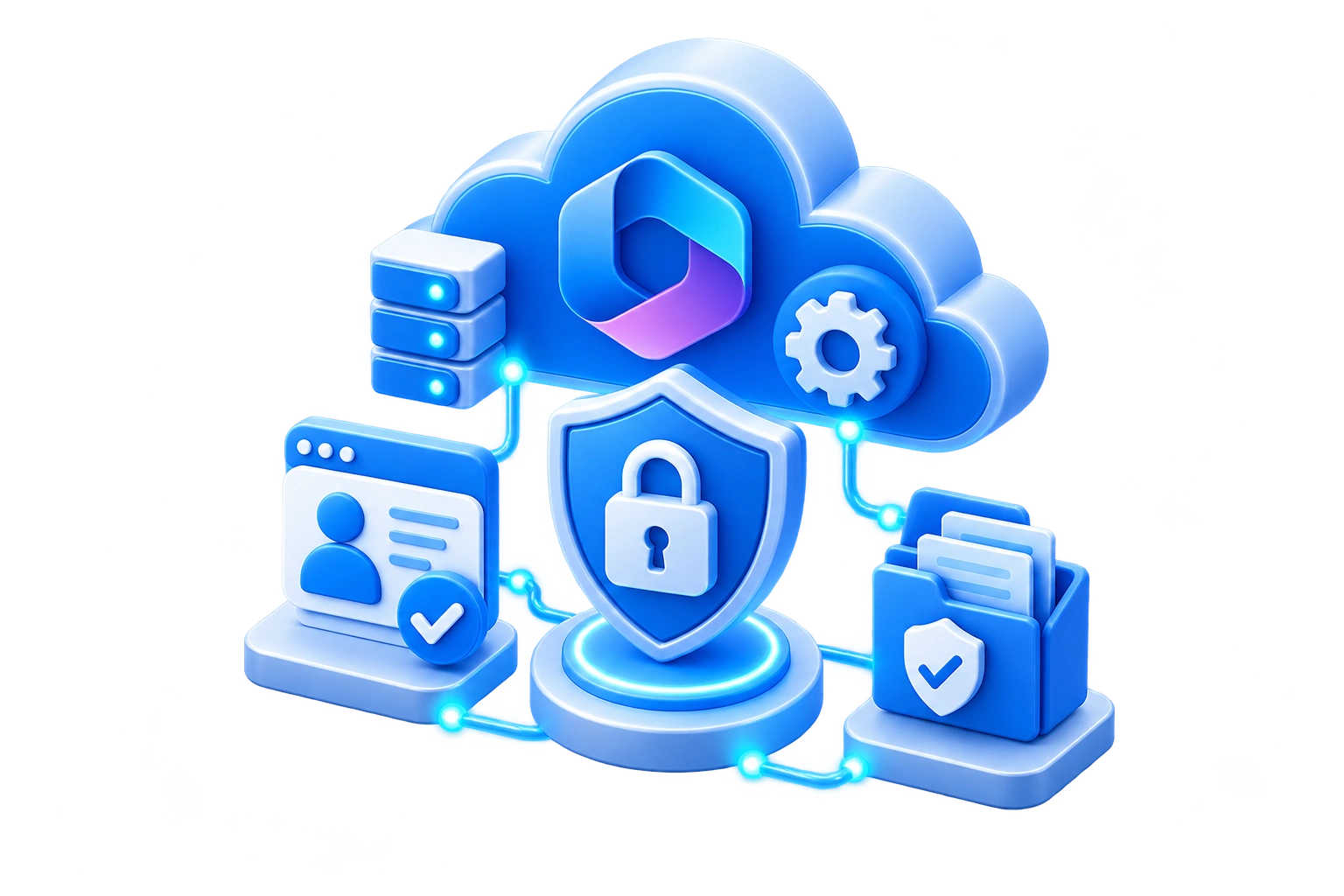
Microsoft 365 Security Configuration
We strengthen Microsoft 365 environments through multi-factor authentication, conditional access, account protection, security policies, identity safeguards, and other Microsoft security controls designed to reduce unauthorized access and account compromise.
LICENSING
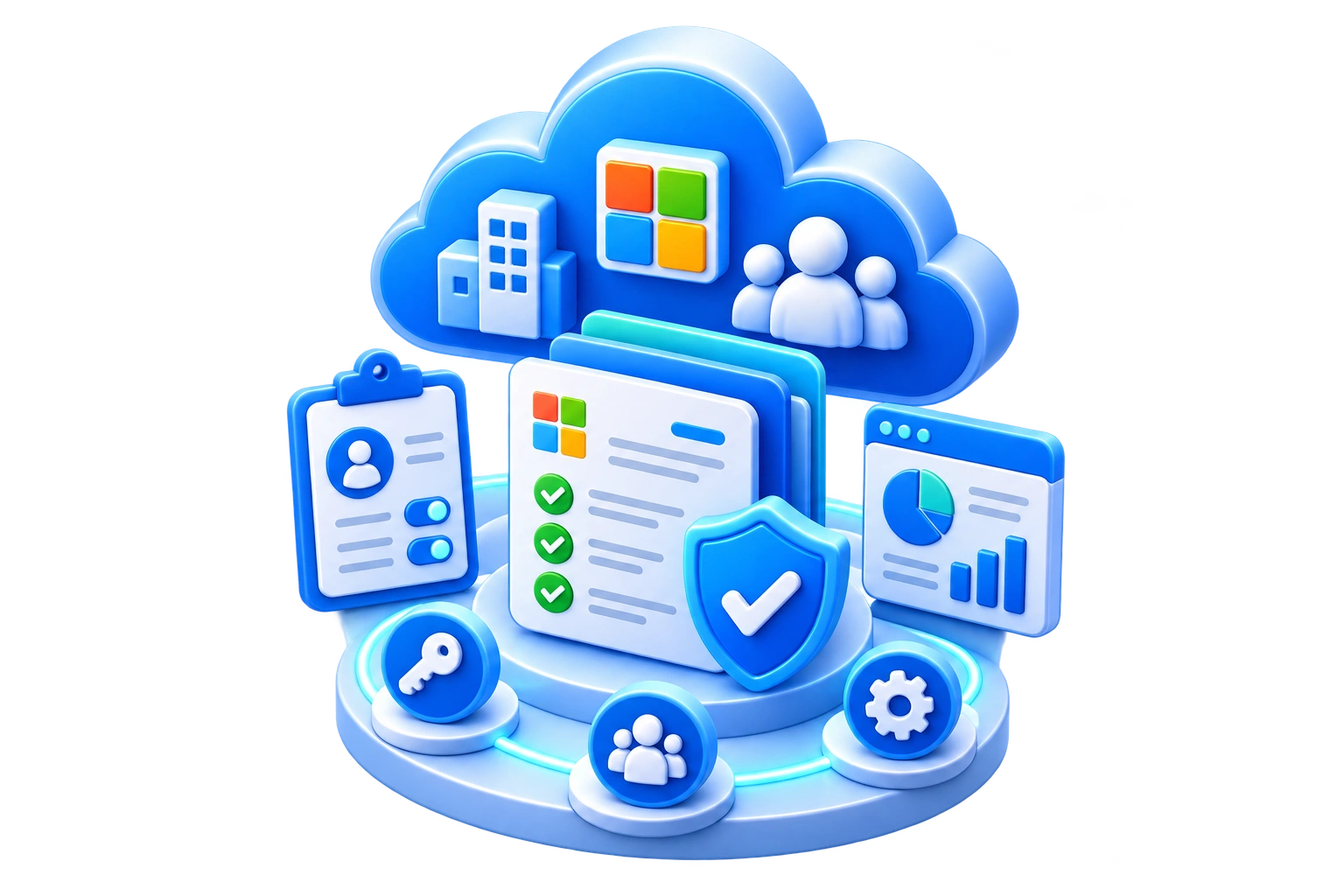
Microsoft 365 Licensing & Tenant Management
We help manage Microsoft 365 subscriptions, licenses, users, domains, administrative settings, and tenant configuration while identifying opportunities to simplify or eliminate unnecessary licensing.

DATA PROTECTION
Microsoft 365 & Entra ID Backup
Protect critical Microsoft 365 and identity data with managed backup and recovery for Exchange Online, OneDrive, SharePoint, Teams, and supported Microsoft Entra ID directory information.

CLOUD SERVICES
Azure & Cloud Infrastructure
We help businesses evaluate, configure, and support cloud-based resources and infrastructure when Microsoft Azure or other cloud solutions provide a better fit than traditional on-premises systems.

CLOUD SECURITY
Cloud Account Monitoring & Response
Continuous monitoring of Microsoft 365 and other supported cloud services helps identify suspicious sign-ins, unusual account activity, and potential compromise so threats can be investigated and affected accounts secured quickly.
OUR CLOUD SERVICES PROCESS
A Clearer Approach to Microsoft 365 & the Cloud
We start by understanding how your business works, then configure the right cloud services, protect your environment, and continue improving it as your needs change.

Assess & Plan
We review your existing email, users, files, applications, licensing, security requirements, and business workflows to determine what should be migrated, improved, or reorganized.

Configure & Migrate
We configure Microsoft 365 and cloud services, prepare users and accounts, migrate applicable data, and connect the services your business needs.

Secure & Integrate
Identity, permissions, authentication, sharing, and security settings are configured while Microsoft 365 services are integrated into your day-to-day workflow.

Support & Optimize
After implementation, we help resolve user issues, manage changes, adjust licensing, improve configurations, and adapt your cloud environment as the business evolves.
COMMON QUESTIONS
Microsoft 365 & Cloud Services FAQs
Get answers to common questions about Microsoft 365 migrations, licensing, cloud security, data, collaboration, and managing an existing Microsoft environment.
It is common for businesses to accumulate licenses as employees, applications, and requirements change. We can review your users, subscriptions, assigned licenses, and actual needs to identify opportunities to simplify licensing or eliminate unnecessary costs without removing capabilities your employees depend on.
In most environments, existing email and related mailbox data can be migrated into Microsoft 365. We evaluate the current system first, determine the appropriate migration approach, and plan the transition to preserve important business information while minimizing disruption for employees.
Yes. We can review an existing Microsoft 365 tenant, administrative access, licensing, domains, users, security settings, and configuration. From there, we can correct problems, document the environment, improve organization, and provide ongoing support if needed.
The best location depends on how the information is used. OneDrive is generally better suited to an individual user's working files, while SharePoint is designed around shared business information and team collaboration. We can help structure the environment so employees know where information belongs and how it should be shared.
Microsoft provides platform resiliency and several retention and recovery capabilities, but those features are not always a replacement for an independent business backup strategy. We can evaluate your recovery requirements and determine whether additional Microsoft 365 backup protection makes sense for your organization.
Security does not have to mean adding unnecessary friction to every task. We can use tools such as multi-factor authentication, appropriate access policies, account protections, permissions, and security configuration to reduce risk while keeping normal employee workflows practical.
A proper offboarding process can secure the user's account, revoke sessions, preserve business data, transfer access where appropriate, address email requirements, and recover or reassign licensing. This helps protect company information while ensuring important files and communications are not simply lost with the departing employee.
Sometimes, but not in every environment. SharePoint, OneDrive, Azure, and other cloud services can replace or reduce dependence on certain on-premises systems, but the right approach depends on your applications, file structure, internet connectivity, security requirements, and how employees work. We can evaluate whether a full cloud migration, hybrid approach, or existing local infrastructure makes the most sense.