
Services
GET IN TOUCH
Questions about protecting your data?
We're here to help.
BACKUP & DISASTER RECOVERY
Protect Your Data. Prepare for the Unexpected.
Pairs well with our Microsoft 365 & cloud services for complete data protection across your environment.
Protected Data. Faster Recovery. Less Downtime.
Backups should provide more than another copy of your files. They should give your business a clear path to recovery when something goes wrong.
Second Creek Technologies helps businesses plan, monitor, and maintain backup and recovery solutions around the information and systems they depend on most. We focus on reducing unnecessary data loss, improving recoverability, and making sure there is a practical plan for getting your business operating again after an unexpected disruption.
Reliable Backups
Recovery Ready
Ongoing Monitoring
Business Continuity
HOW WE CAN HELP
Backup & Recovery Solutions Built Around Your Business
We help protect business data across computers, servers, cloud services, and critical applications while building practical recovery plans for the systems your organization depends on.
BACKUP PLANNING
Backup Strategy & Planning
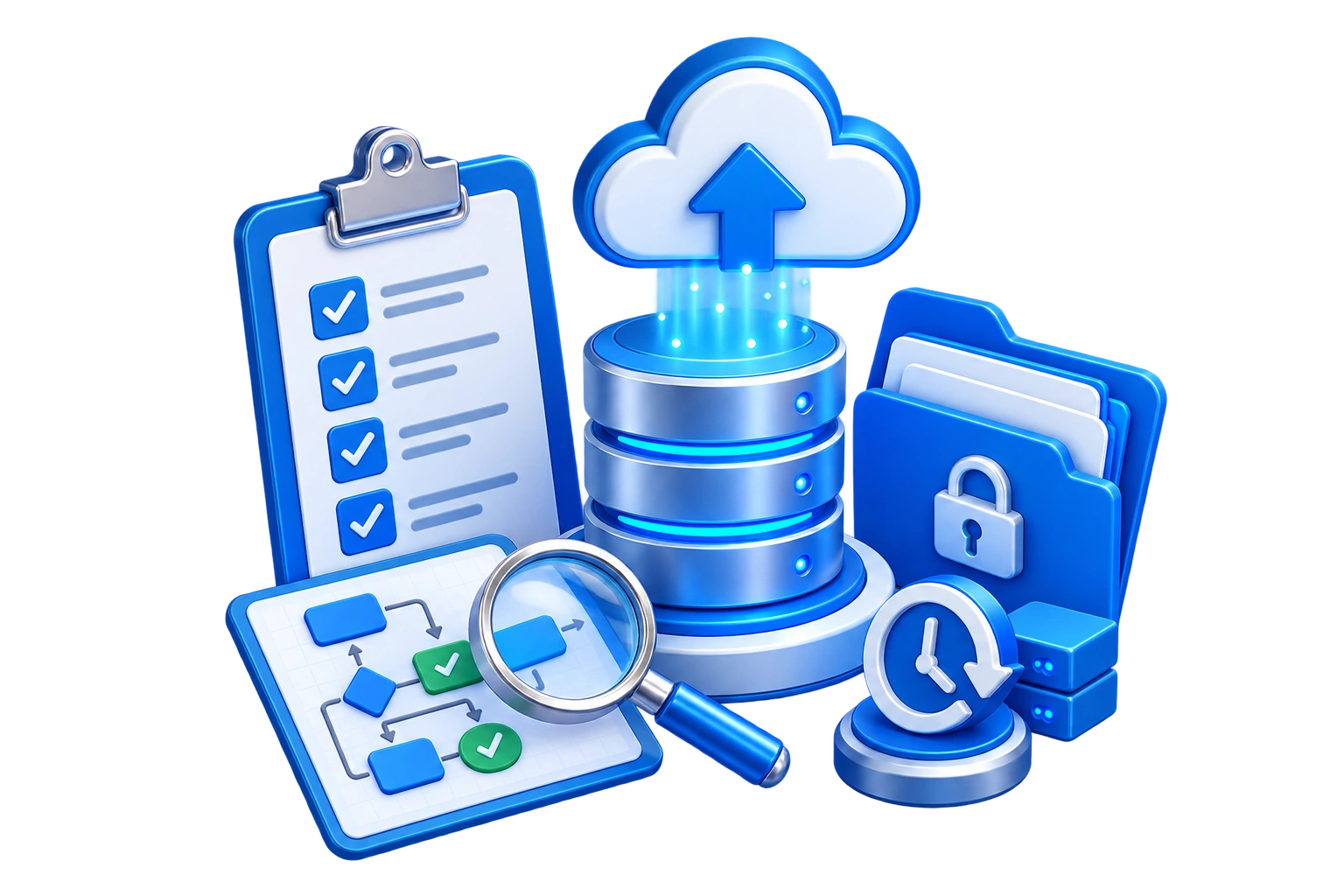
We evaluate your systems, data, business priorities, and recovery requirements to determine what should be protected, how often it should be backed up, and how quickly it may need to be restored.
SYSTEM PROTECTION
Server & Endpoint Backup
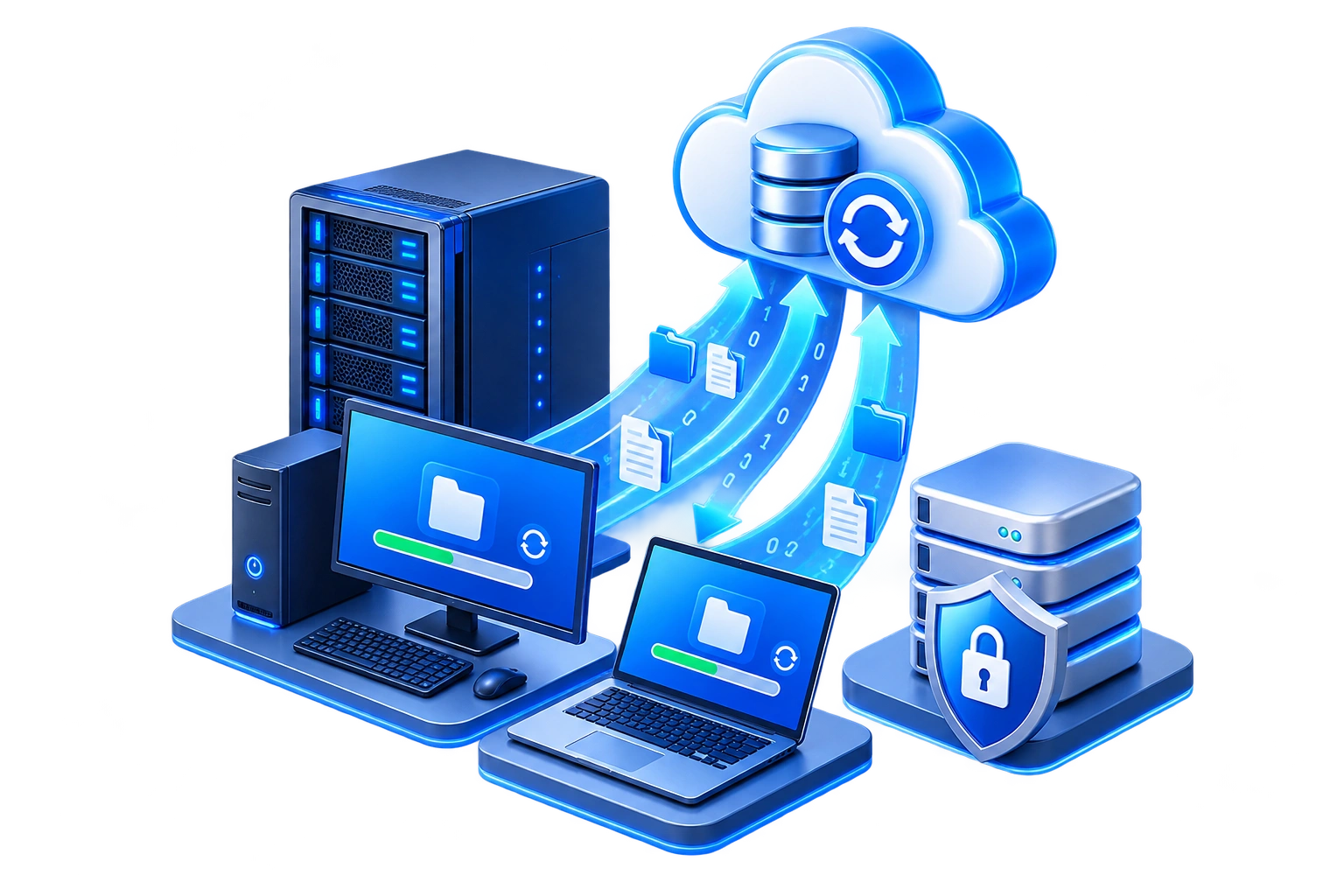
Important data and systems on servers, workstations, laptops, and other business endpoints can be protected with managed backup solutions designed around your environment, retention requirements, and recovery needs.

MICROSOFT 365
Microsoft 365 & Entra ID Backup
Protect critical Microsoft 365 and identity data with managed backup and recovery for Exchange Online, OneDrive, SharePoint, Teams, and supported Microsoft Entra ID directory information.
OFF-SITE PROTECTION
Cloud & Off-Site Backup
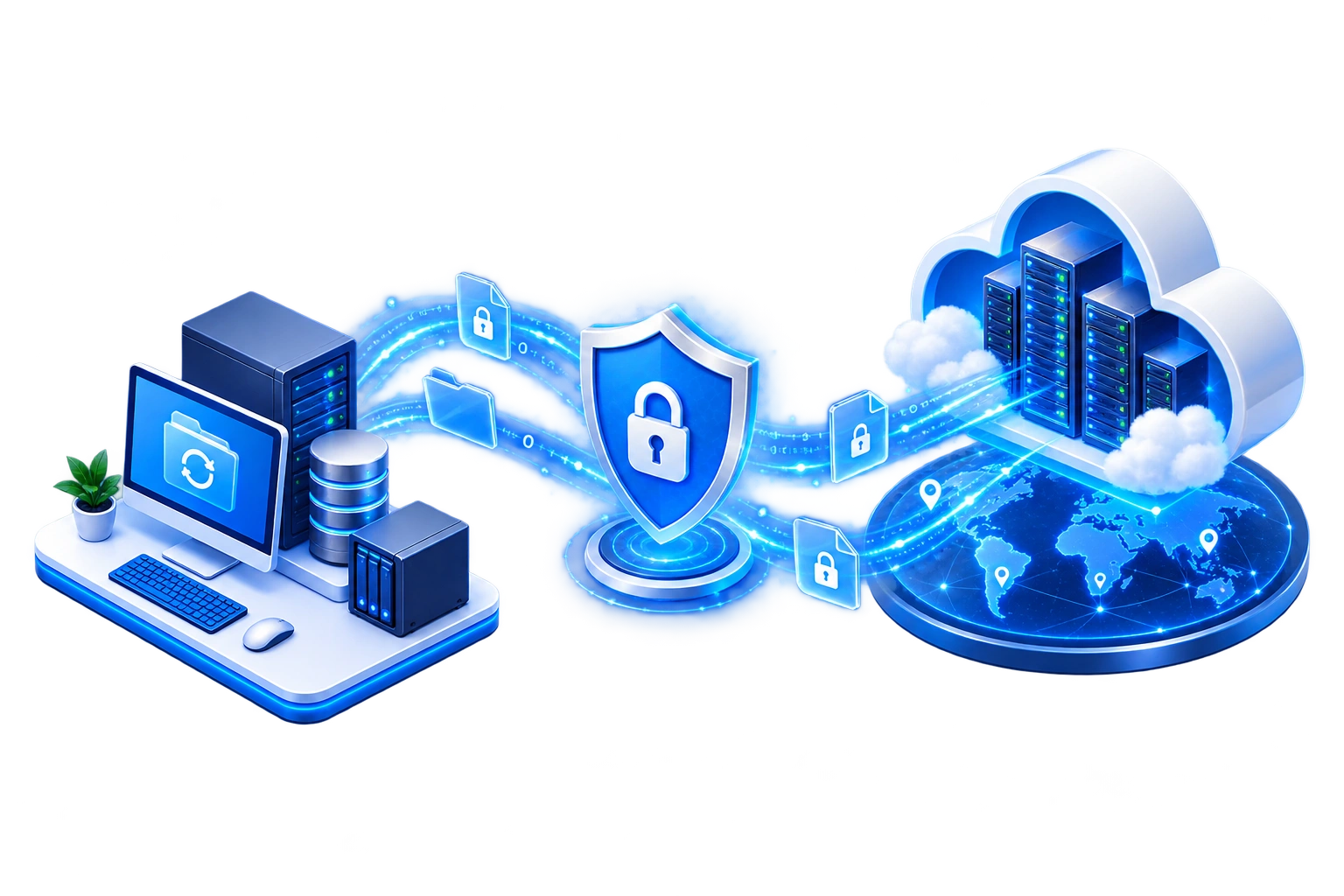
Cloud and off-site backup solutions help maintain protected copies of critical business data, systems, and supported cloud workloads away from the original environment for additional resilience and recovery options.

RECOVERY
File & Data Recovery
Deleted, damaged, corrupted, or unavailable information can be restored from available backups when a recoverable copy exists, helping employees return to work more quickly.
MONITORING
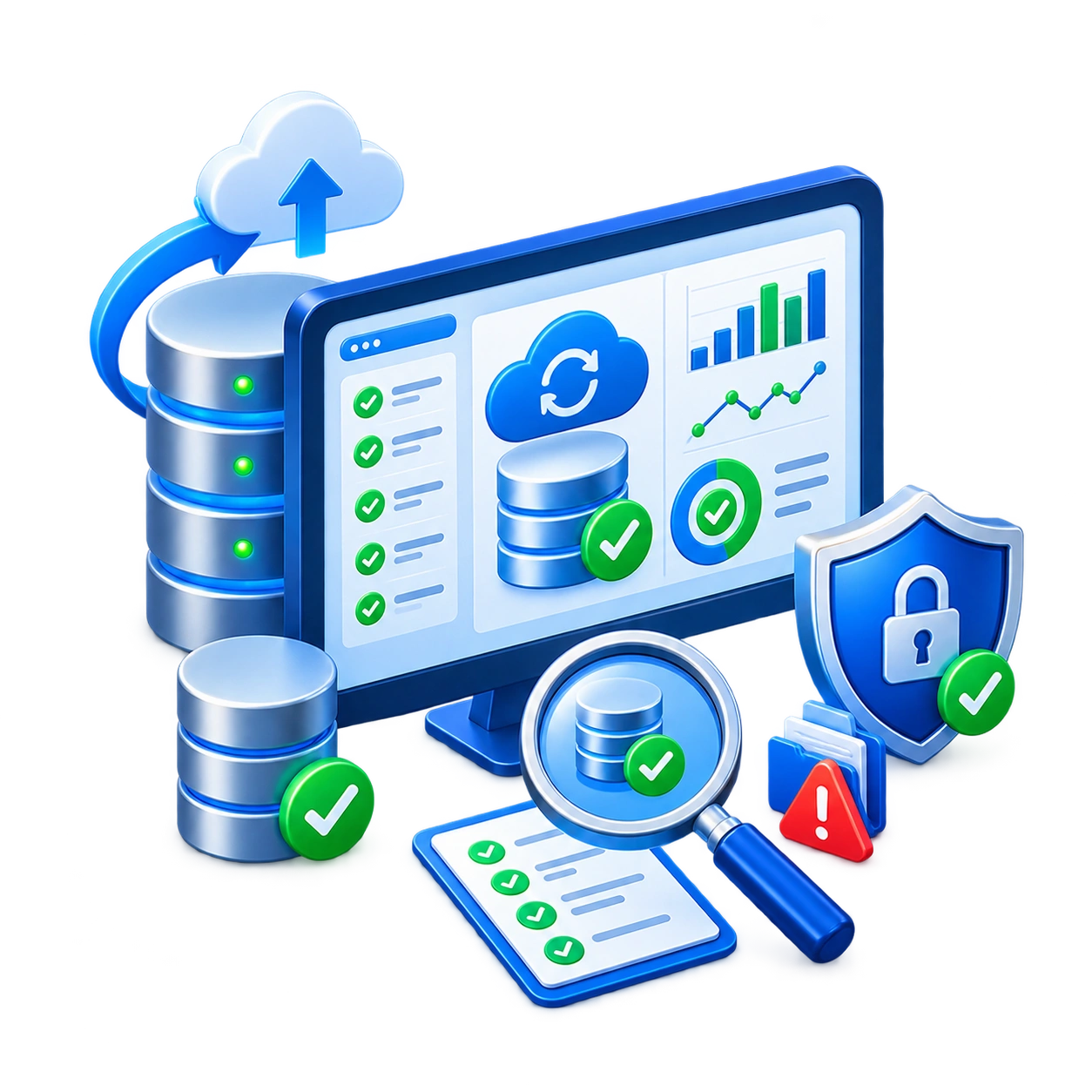
Backup Monitoring & Verification
Backup jobs and protected systems are continuously monitored for failures, missed backups, storage issues, and other conditions that could leave important information unprotected, with problems addressed when identified.
DISASTER RECOVERY
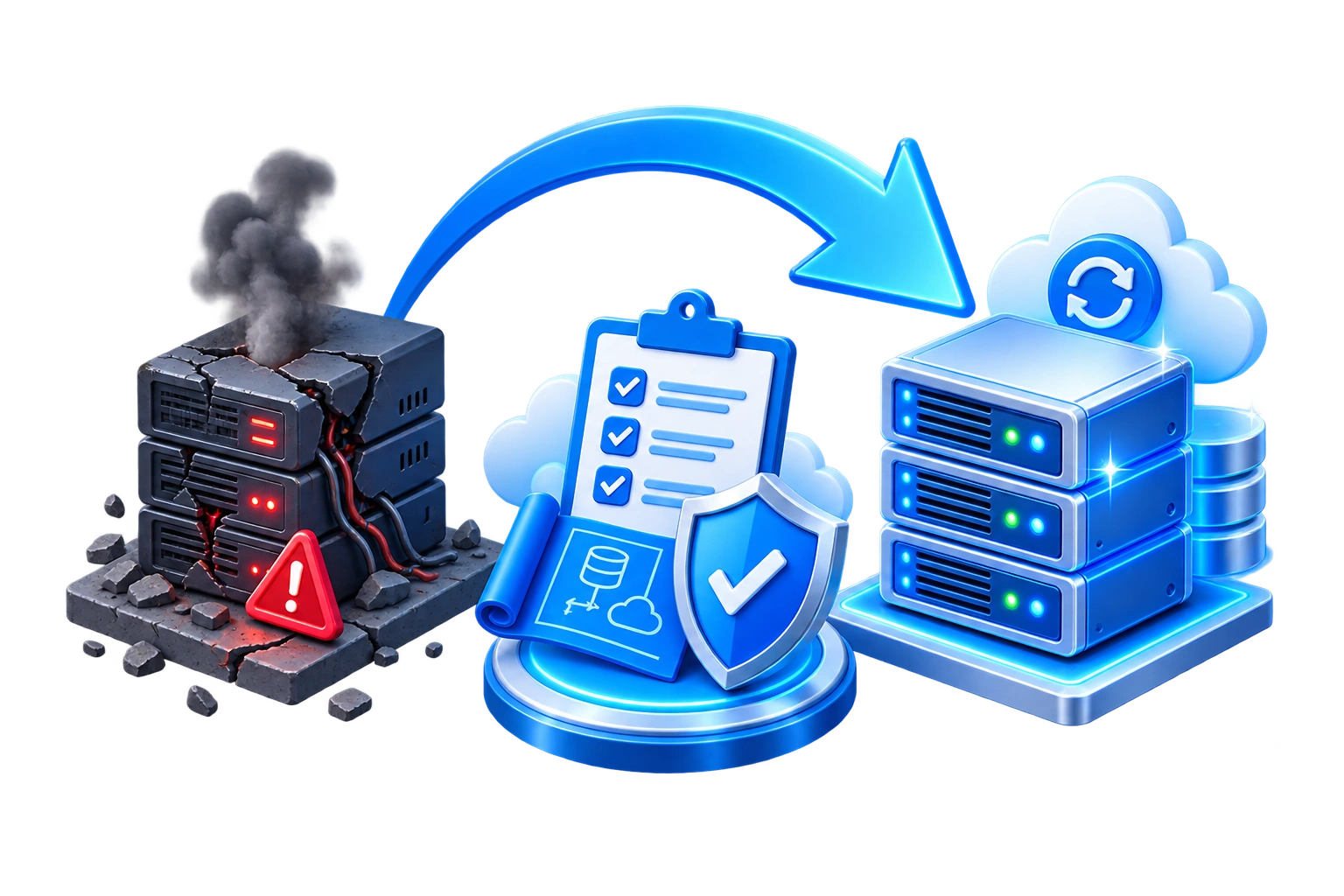
Disaster Recovery Planning
We help document how important systems, services, and data should be restored following a significant outage, equipment failure, cyber incident, or other business disruption.
RESILIENCE
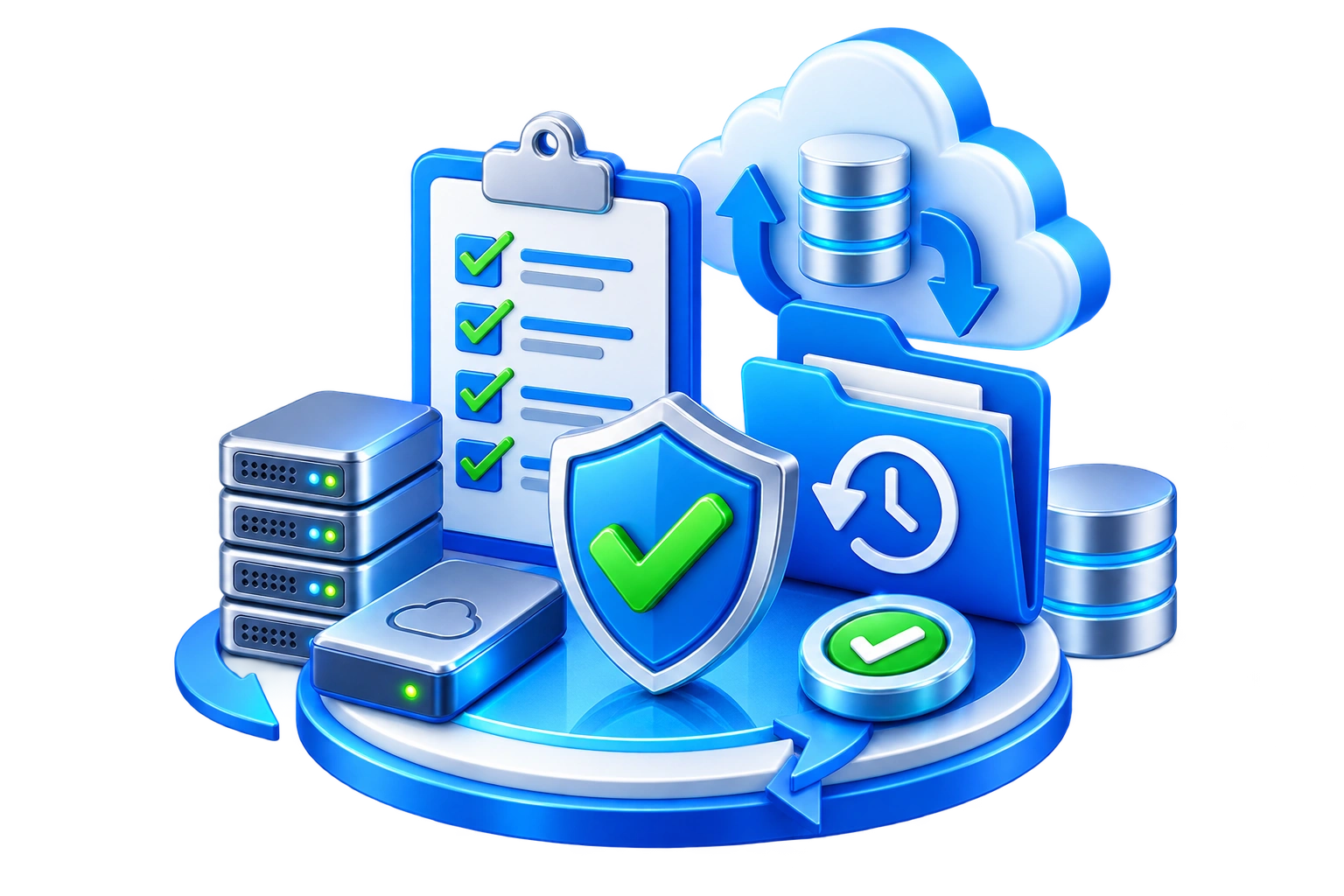
Recovery Testing & Validation
A recovery plan is more valuable when it has been reviewed and tested. We can help verify backup processes and recovery procedures so problems can be identified before an actual emergency.
CONTINUITY
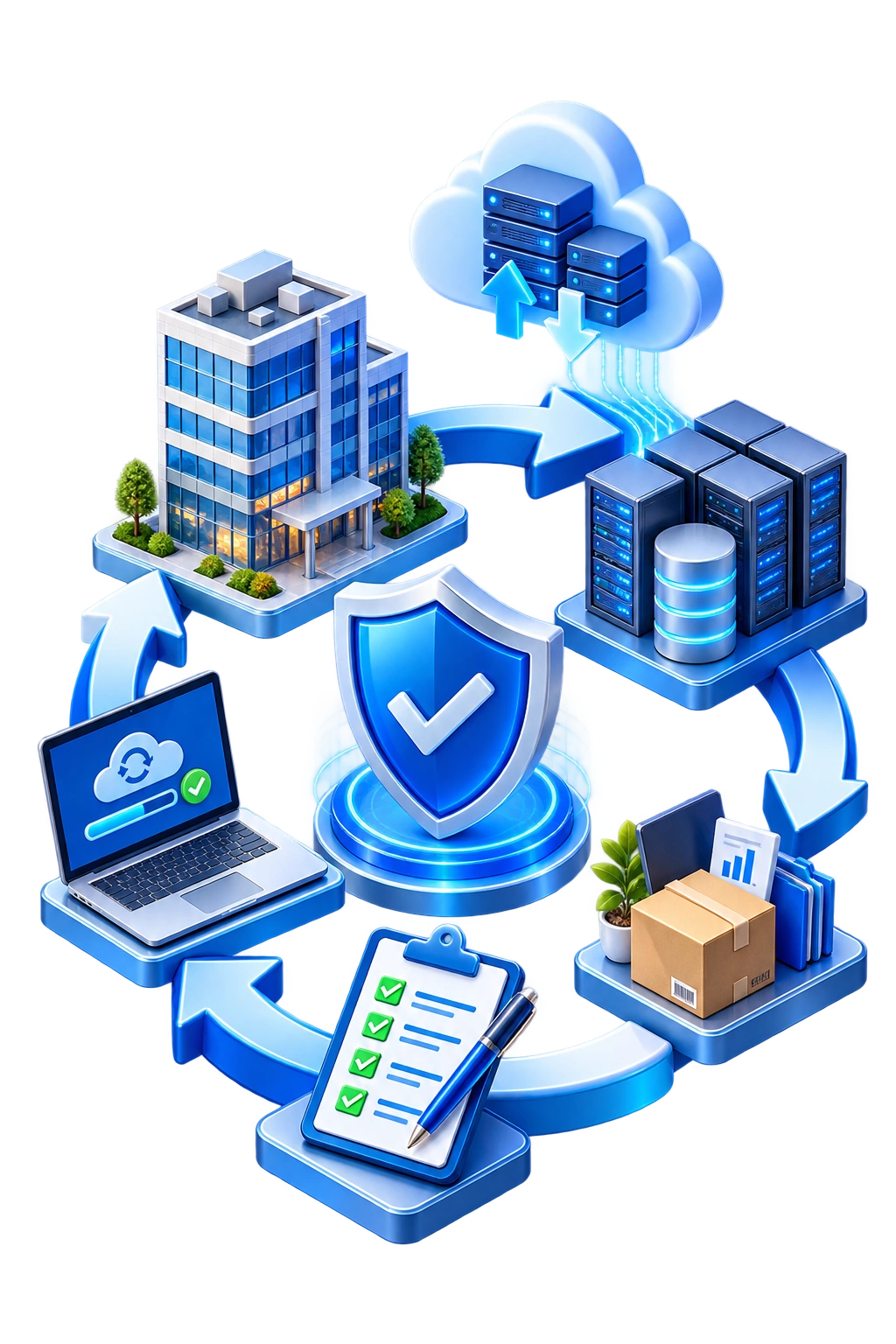
Business Continuity & Recovery Guidance
We help identify critical technology dependencies, recovery priorities, and practical steps your organization can take to reduce downtime and improve its ability to continue operating during unexpected events.
OUR BACKUP & RECOVERY PROCESS
A Practical Approach to Protecting Your Business
We identify what your business cannot afford to lose, implement the appropriate protection, monitor backup health, and maintain a clear path for recovery when something goes wrong.
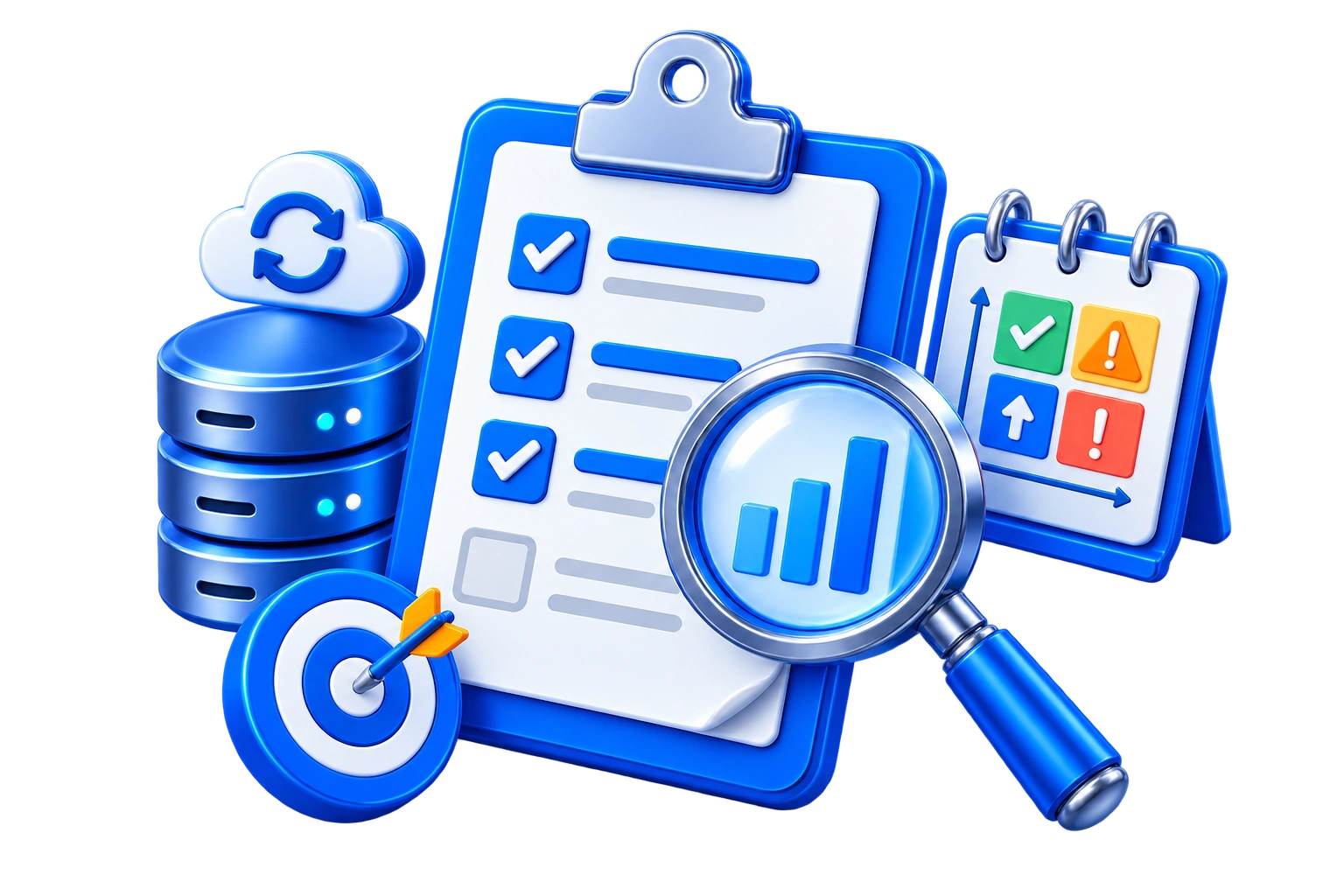
Assess & Prioritize
We review your systems, data, applications, current backups, business dependencies, and tolerance for downtime or data loss to identify what requires protection first.
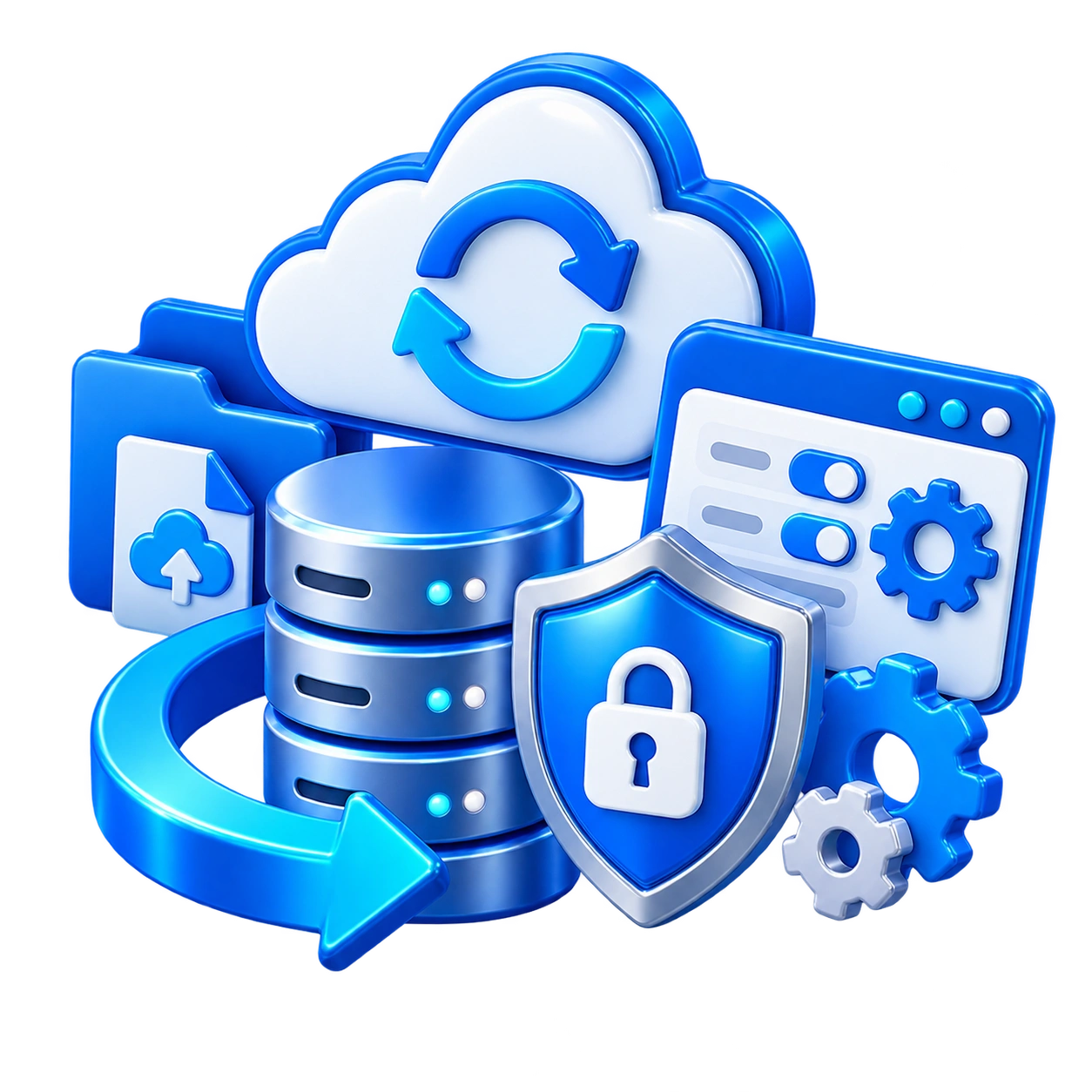
Protect & Configure
Backup schedules, storage locations, retention settings, protected systems, and recovery options are configured around your business and technical requirements.
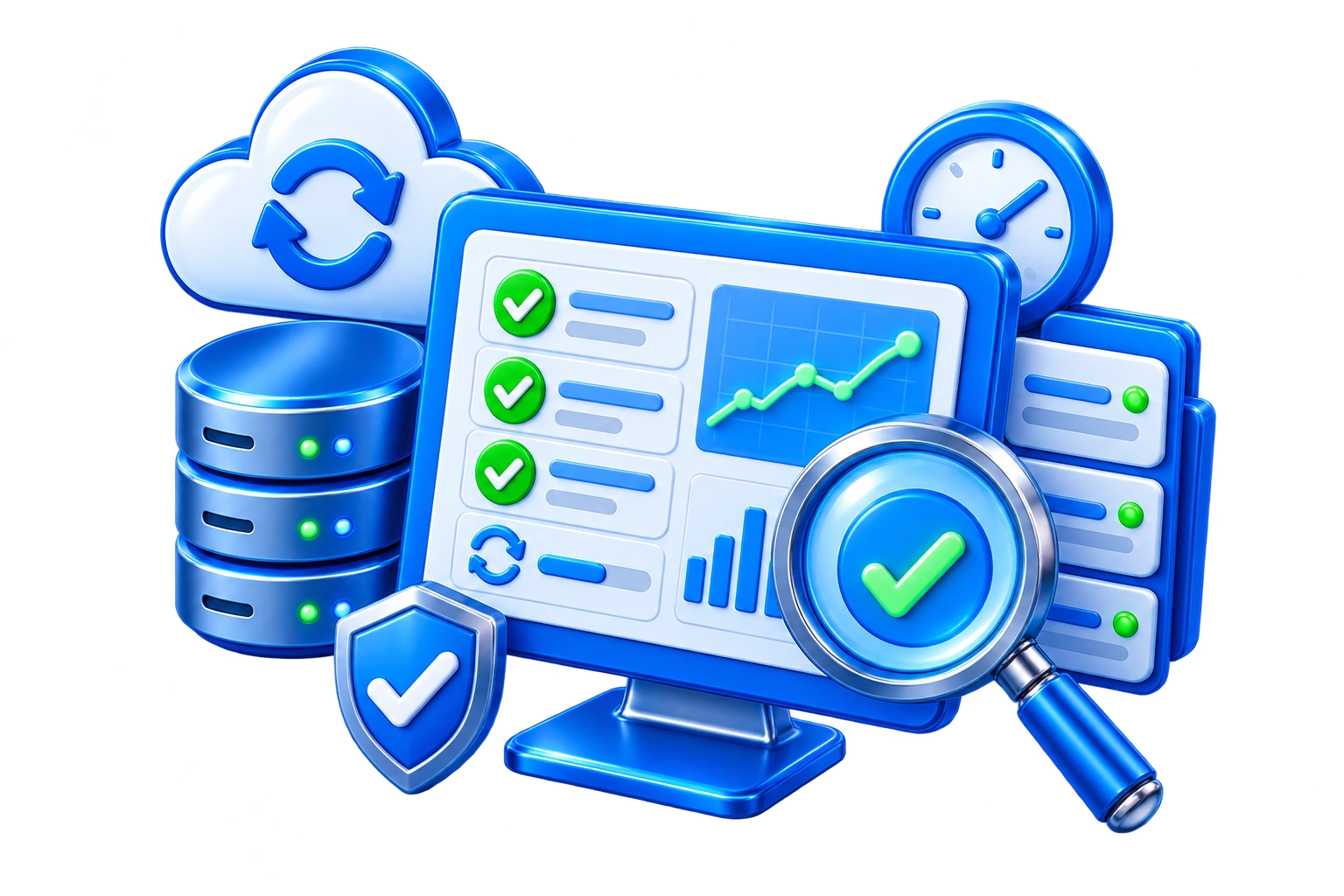
Monitor & Verify
Backup activity is monitored for failures and other problems while recovery readiness is periodically reviewed to help ensure important systems remain protected.
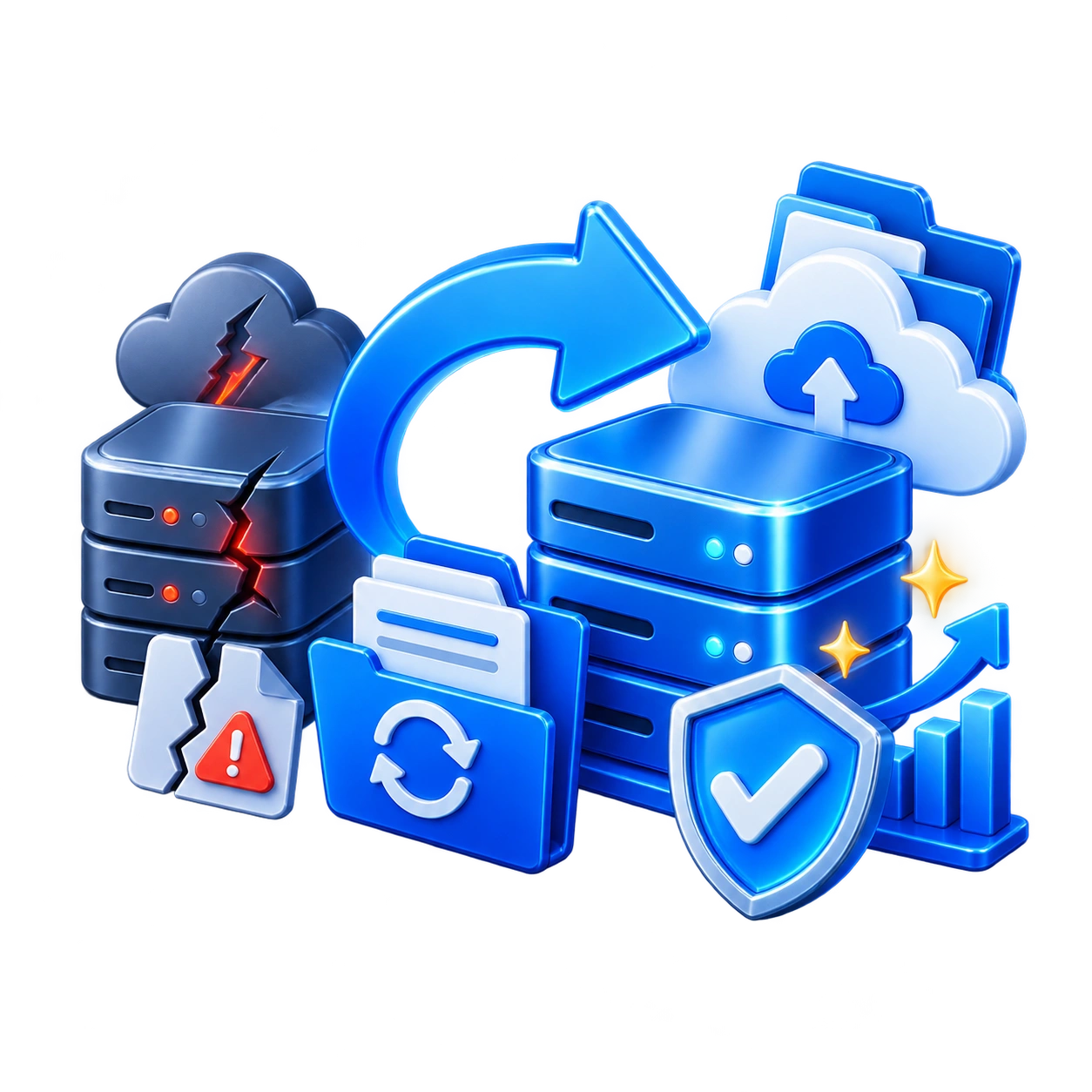
Recover & Improve
When recovery is required, the appropriate backup is used to restore available data or systems. Afterward, the process can be reviewed and improved based on what was learned.
COMMON QUESTIONS
Backup & Disaster Recovery FAQs
Get answers to common questions about backup frequency, recovery time, cloud data, ransomware, testing, and how to know whether your existing backup strategy is actually enough.
Not necessarily. Cloud storage and synchronization make information accessible across devices, but they may also synchronize deletions, unwanted changes, or other problems. Whether additional backup is necessary depends on the service, its recovery capabilities, your retention requirements, and how important the information is to the business.
The right frequency depends on how quickly your information changes and how much work the business could reasonably afford to lose. Critical systems may need significantly more frequent protection than information that changes only occasionally. We can help establish backup schedules based on those priorities rather than using the same schedule for everything.
Recovery time depends on what failed, the amount of data involved, the backup method, available hardware, internet connectivity, and how the affected system is designed. Part of disaster recovery planning is identifying which systems need to return first and choosing protection that supports an appropriate recovery timeframe.
Properly designed backups can be an important part of recovering from ransomware, but their usefulness depends on whether clean recovery copies remain available and protected from the affected environment. Backup architecture should therefore be considered as part of a broader cybersecurity and incident-response strategy.
Microsoft provides platform resiliency along with retention and recovery capabilities, but those features do not automatically satisfy every organization's backup and retention requirements. We can review how your business uses Exchange Online, OneDrive, and SharePoint and determine whether additional backup protection is appropriate.
A successful backup job is only part of the picture. Backup status should be monitored, failures investigated, and recovery procedures periodically reviewed or tested. This helps identify missing data, configuration problems, or other issues before an actual emergency makes recovery necessary.
Recovery priorities should be based on business impact. Systems such as accounting, line-of-business applications, shared data, email, identity services, or other operational resources may need to return before less critical systems. We help identify those dependencies so recovery efforts can focus on what matters most.
Yes. An existing backup environment can be reviewed for protected systems, schedules, retention, storage locations, monitoring, recovery options, and any gaps between the current setup and your business requirements. If the existing solution is appropriate, the goal is to improve it rather than replace it unnecessarily.